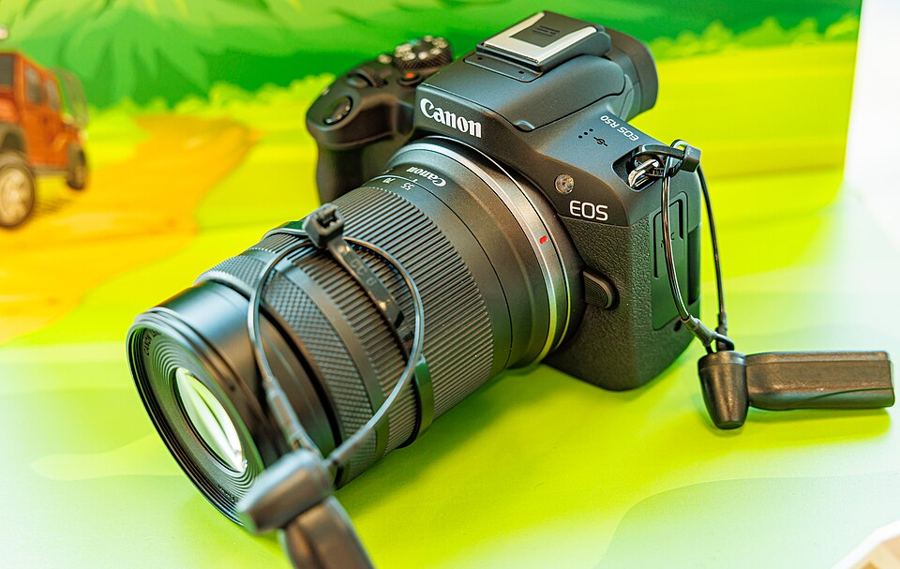
Autofocus, set up right
How do you set up the EOS R50's autofocus so it holds your subject?
Three operations — one switches itself
One-Shot AF locks once — right for still life. Servo AF keeps adjusting while the button is held — the deliberate tracker. AI Focus AF starts as One-Shot and switches itself to Servo when the subject moves; it is the operation the automatic modes use. When tracking is the whole job, Servo is the controlled choice; AI Focus is for subjects that might move.
Pick the area by the subject
Spot AF and 1-point AF take one exact point. The Expand AF area modes start on your point and borrow the neighbors when the subject moves. Flexible Zone AF works a patch of the frame you can size and move — the home most shooters should live in. For movers, Whole area AF lets tracking follow across the entire frame. Aim the point with the AF point selection button and the cross keys — there is no multi-controller on this body — or by touch and drag on the screen.
Name the subject — or let Auto read
Subject to detect offers Auto on this body: the camera picks the main subject from any people, animals or vehicles in the scene. Naming a subject sets priority — Animals and Vehicles still see people, but the named subject wins. Whole area tracking Servo AF decides the roaming: On, tracking follows subjects across the entire screen; Off, it stays inside your AF points. The named Servo Cases of bigger Canons do not exist here.
Choose the eye on the screen
With People set and Eye detection on, the tracking frame lands on an eye. Which eye is chosen live: tap it with Whole area AF, or switch with the cross keys when the choice frame appears. There is no Right eye/Left eye menu setting on this body — and with Subject to detect set to None, eyes are never detected.
Set Servo AF or AI Focus, Whole area tracking Servo AF on and Whole area AF, leave Subject to detect on Auto, then track something moving and watch the camera pick and follow its subject.