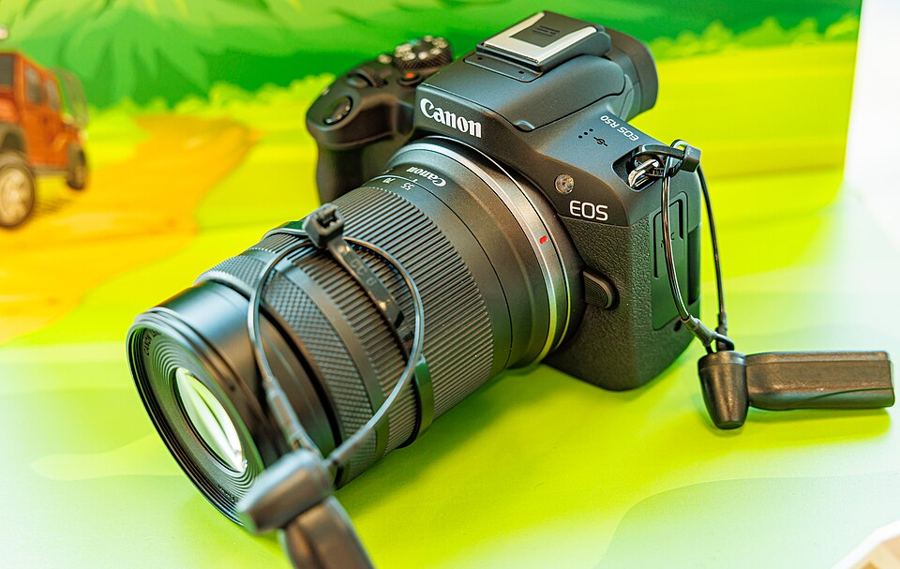
First Setup
What should you change on a brand-new EOS R50 before your first shoot?
Format the card in the camera
Formatting builds the folder structure the camera expects — and on this body it matters more than most, because there is one slot: a single SD card, UHS-I, holding the only copy of every frame. A UHS-I card is all this slot can use, so spend on reliability, not on a faster badge. Shooting 4K video? Tick Low level format: Canon’s own manual calls for it before 4K recording, and it clears every recordable sector.
Shoot RAW — know C-RAW
Set Image quality to RAW for the full file. Canon also offers C-RAW (Compact RAW): the manual states it produces RAW images with smaller file sizes than RAW — Canon’s own approximate sizes are 27.0 MB for RAW and 14.0 MB for C-RAW, the same 6000×4000 pixels at about half the card bill. Default to RAW; reach for C-RAW when card space is the constraint. And remember the sensor: APS-C, so every lens frames at about 1.6× its marked length by Canon’s own specification.
The stabilizer is in the lens
This body has no in-body stabilization — the manual’s words are “image stabilization by the lens.” A lens with its own IS switch rules. A stabilized lens without a switch needs IS mode set to On here, or its stabilizer never engages. A lens with no IS at all gets no help for stills; for movies, Movie Digital IS can stabilize even a non-IS lens.
There is no C1 here — build My Menu
The mode dial carries scenes, Creative filters, P, Tv, Av, M — and no C1 or C2. This body gives stills shooters no custom mode to register a setup to, so build a My Menu tab holding the settings you touch every shoot, Format card first. The body’s single Custom shooting mode (C mode) is displayed only in movie mode — it saves movie setups, not this one.
Do the four steps now, in order, then build the My Menu tab that keeps the routine one tab away. That tab is your saved setup on this body.