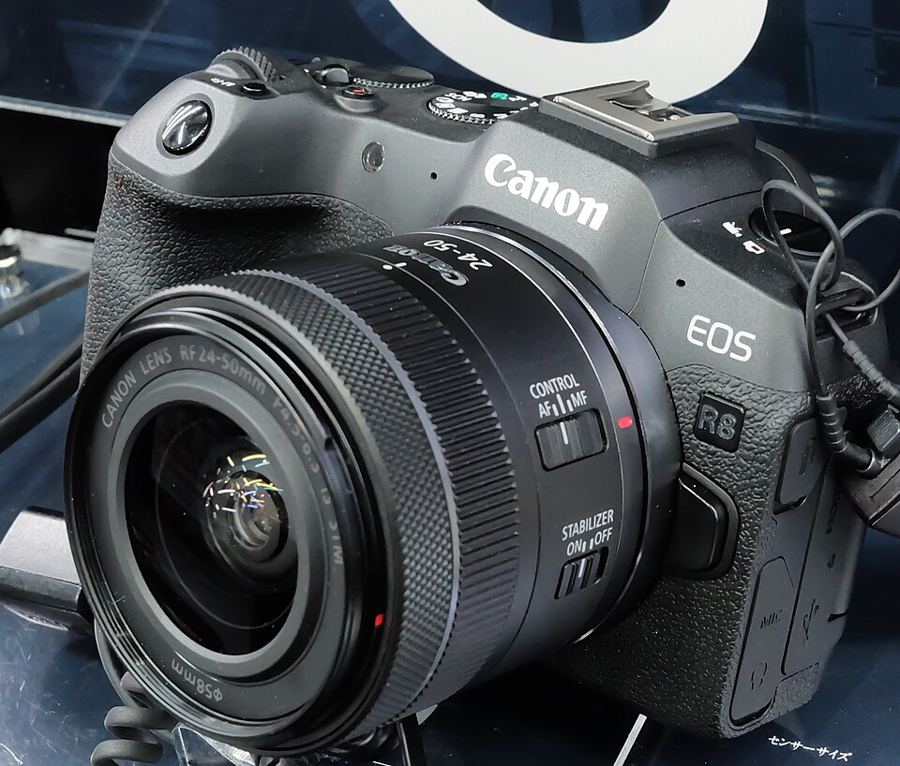
Video settings, in depth
What are the right video settings on the R8 — formats, Canon Log 3, and true slow motion?
Two compressions, one default
Every normal movie is MP4, compressed as IPB (Standard) or IPB (Light). Standard is the quality default at 4K up to 59.94p — there is no 4K 120p on this body. Light records the same sizes at lower bit rates: smaller files, gentler on cards and laptops, the pick when volume beats the last of the quality. ALL-I exists here only for time-lapse movies. At 4K 59.94 in 10-bit, Canon’s card requirements ask for V60.
Log is one switch here
Canon Log → On (C.LOG3) records Canon Log 3 in 10-bit 4:2:2 — flat, wide, built to be graded. The manual states the full dynamic range (approx. 1600%) arrives at ISO 800 or higher; ISO 100–640 is expanded and narrower, so do not base log exposure down there. View Assist shows viewable color on screen while the file stays flat. Shipping ungraded? Leave log off.
Slow motion is a Full HD tool
High Frame Rate recording reaches 179.82 fps in Full HD, written as a 29.97 fps file — playback is 1/6 speed with the slow motion already in it (119.88 fps writes at 1/4 speed). This body's caps: one clip stops at 20 minutes at 179.82 fps, 30 minutes at 119.88. For 4K, 59.94p is the ceiling.
Plan batteries and breaks
The LP-E17 is good for roughly 40 minutes of 4K 59.94 recording per Canon’s specifications, and a single movie can run up to 2 hours if the power lasts. There is no heat setting on this body — the manual warns only that a hot camera may offer less recording time. Long days are planned in spare batteries and breaks, not settings.
Shoot the same 20-second scene three ways — Canon Log off, Log 3 with View Assist on at ISO 800, and a 179.82 fps High Frame Rate take — and compare what each decision asks of you.