Custom button map
Which functions belong on the R8's buttons?
Buttons on one desk, dials on another
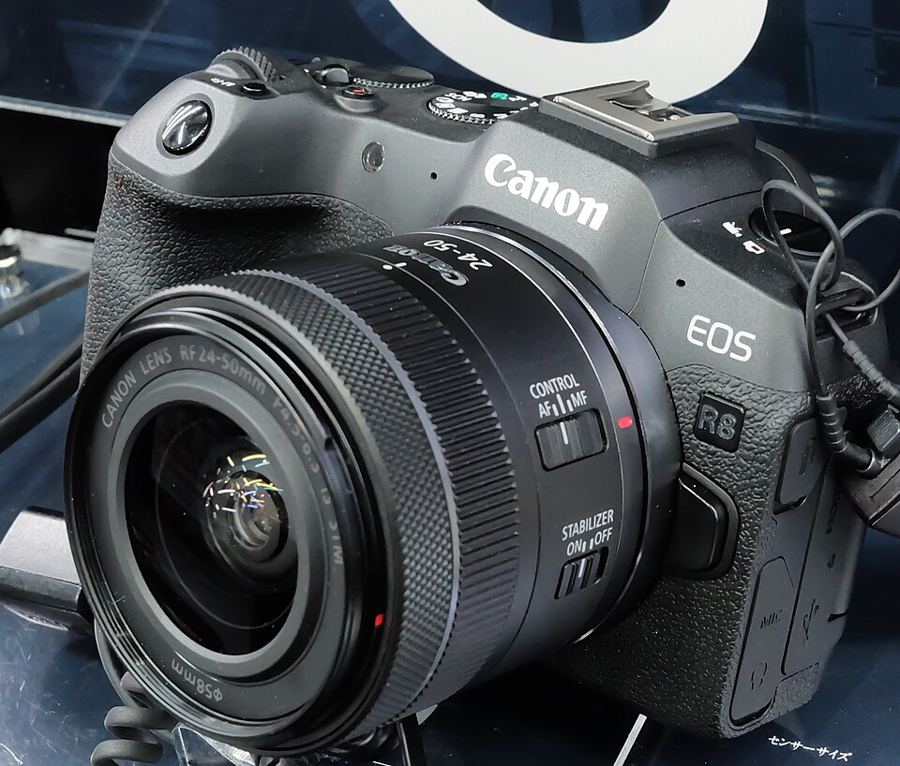
Canon splits the job: Customize buttons for the buttons, Customize dials beside it for the dials and the lens control ring. The same button can carry a different function for stills and for movies — build both sets. Cross keys: Direct AF point selection. M-Fn: Direct AF area selection. AE lock button: Direct select of subject to detect.
Cross keys — Direct AF point selection
This body has no multi-controller. Out of the box, moving the AF point means pressing the AF point button first, then steering. Direct AF point selection on the cross keys removes the first press — and Canon reserves the function for the cross keys alone.
M-Fn — Direct AF area selection
The area change is the most common mid-shoot move there is: portrait to action, Zone to Whole area. On the M-Fn button it costs one press, eye still to the viewfinder.
AE lock — Direct select of subject to detect
Canon built a one-press function for the subject switch. On the AE lock button, naming the subject becomes a habit instead of a menu dive while the moment leaves. Portrait-first shooters can swap: Eye Detection AF can only live on AF-ON, the AE lock button, or a lens button on this body — give AE lock the eye and the subject switch moves to the movie button.
The map lives in C1
A C1 registration captures shooting, menu and Custom Function settings — the button map included. Register the finished map to C1, and the mode dial restores your settings and your buttons together.
Assign cross keys → Direct AF point selection, then shoot for a day before adding the rest. Muscle memory is built one control at a time.