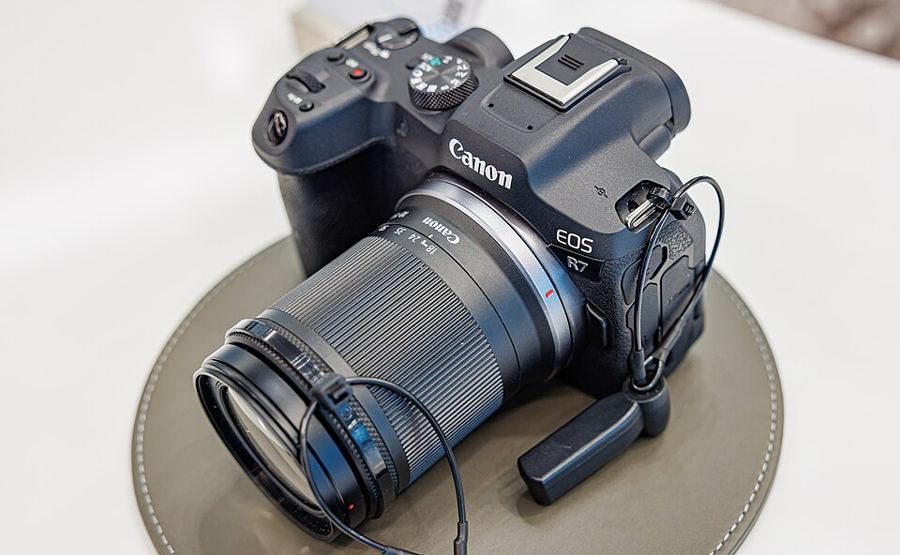
Custom button map
Which functions belong on the R7's buttons?
Buttons on one desk, dials on another
Canon splits the job: Customize buttons for the buttons, Customize dials beside it for the dials and the lens control ring. The same button can carry a different function for stills and for movies — build both sets. Multi-controller: Direct AF point selection, with Start/stop tracking on its press. M-Fn: Direct AF area selection. AE lock button: Eye Detection AF.
The stick, upgraded
Direct AF point selection is the multi-controller’s factory assignment — nudge to move the point, press straight in to center it. In Detail set., set Direct sel. on press to Start/stop tracking: with Whole area AF and Subject tracking on, one press puts the tracking frame on the person you choose out of several detected people.
M-Fn — Direct AF area selection
The area change is the most common mid-shoot move there is: portrait to action, Zone to Whole area. On the M-Fn button it costs one press, eye still to the viewfinder. It has to live there: Direct AF area selection cannot be assigned to the multi-controller on this body. The Quick control dial can also take Select AF area from the Customize dials desk.
AE lock — Eye Detection AF
Eye Detection AF jumps focus straight to the subject’s eye. On this body it can only live on AF-ON, the AE lock button, the depth-of-field preview button, or a lens button — the AE lock button is its natural home. Know the other absence: there is no Direct select of subject to detect function here; picking a person is the multi-controller’s press, not a button function.
The map lives in C1
A C1 registration captures shooting, menu and Custom Function settings — the button map included. Register the finished map to C1, and the mode dial restores your settings and your buttons together.
Set the multi-controller’s press to Start/stop tracking in Detail set., then practice picking one person out of a group before adding the rest of the map.