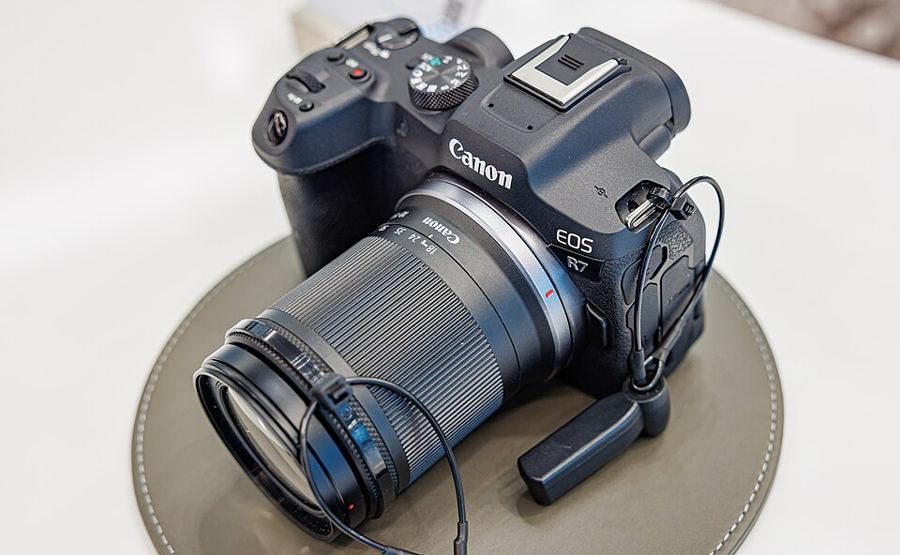
Autofocus, set up right
How do you set up the R7's autofocus so it holds your subject?
Tracking needs Servo AF
Every tracking setup depends on Servo AF: the camera keeps adjusting while you hold the button half-pressed. One-Shot AF locks once — right for still life, wrong for anything that breathes or walks. There is no AI Focus AF on this body: no mode switches between the two for you.
Pick the area by the subject
Spot AF and 1-point AF take one exact point. Flexible Zone AF works a patch of the frame you can size and move — the home most shooters should live in. For movers, Whole area AF lets tracking follow across the entire frame. Aim the point with the multi-controller — press it straight in to center — or by touch and drag on the screen.
Switch tracking on, name the subject
Subject tracking must be On before any tracking frame appears — the manual says so twice. Subject to detect then names the quarry: People, Animals, Vehicles, None. There is no Auto on this body. Animals means dogs, cats and birds; Vehicles means two- or four-wheeled motorsports vehicles. Canon tunes the follow with Cases — Case A adapts both parameters automatically and is the right default.
Choose the eye on the screen
With People set and Eye detection on, the tracking frame lands on an eye. Which eye is chosen live: tap it, or switch with the multi-controller. There is no Right eye/Left eye menu setting on this body — and with Subject to detect set to None, eyes are never detected.
Set Servo AF, Subject tracking on and Whole area AF, name today's subject under Subject to detect, then track something moving across the frame and watch it follow instead of hunting.