Common fixes
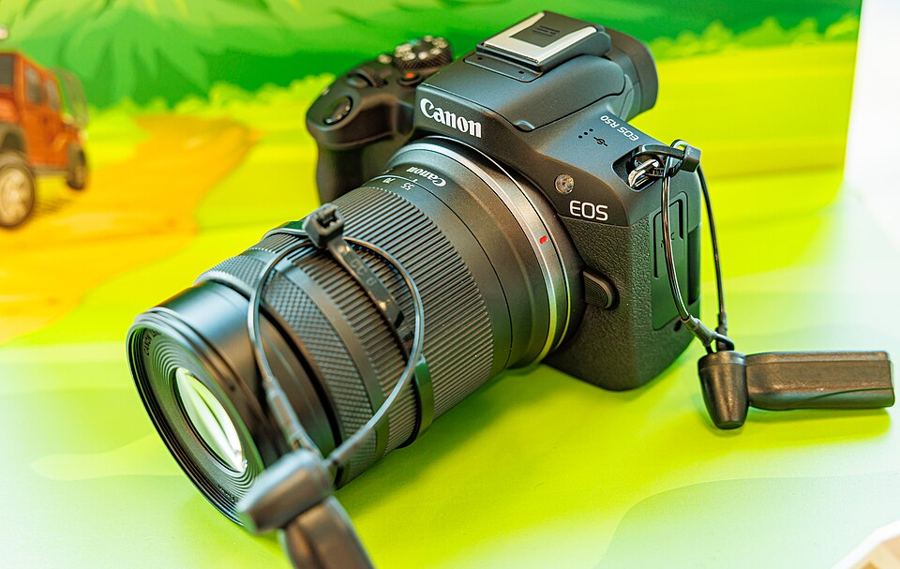
What fixes the EOS R50's known problems — 4K that won't record, adapted lenses, focus that won't roam?
4K stops — or never starts
Work the checklist in order. Format: Canon’s manual says to low level format the card before 4K recording. Card speed: 4K needs a UHS Speed Class 3 card by Canon’s requirements — the top of the scale here, since the slot is UHS-I and a UHS-II badge buys nothing. A slow card stops recordings or fails them outright. Heat closes the list: a hot camera offers less recording time.
It won’t fire — and it won’t steady
A manual or adapted lens with no electronic contacts leaves the shutter dead until Release shutter w/o lens is set to ON (Custom Functions tab). The stabilization half is honest: this body has no in-body stabilizer and no [Focal length] entry, so silent glass shoots unstabilized for stills. For movies, Movie Digital IS can stabilize even a non-IS lens.
Tracking stays in the point
Servo tracks — but only inside your AF points, and the subject walks out of the fence. The cause is Whole area tracking Servo AF. Set it to On, in Servo AF: On lets tracking follow subjects across the entire screen, while Off tracks only within AF points, in the manual’s own words. There is no Subject tracking switch on this body.
The correction is here — behind a door
Focus breathing — the frame pulsing at the edges as focus racks — is corrected on this body by a Focus breathing correction item inside Lens aberration correction, a list the R7 and R10 do not carry it on. Two conditions: it appears only in movie shooting, and it can be set only when Distortion correction is enabled. It slightly narrows the angle of view and depends on a compatible lens — Canon advises testing it before a real shoot.
Rehearse the fixes now: low level format the card you shoot 4K on, switch Whole area tracking Servo AF On, and enable Focus breathing correction in movie mode to watch the pulse stop.