Custom button map
Which functions belong on the R10's buttons?
Buttons on one desk, dials on another
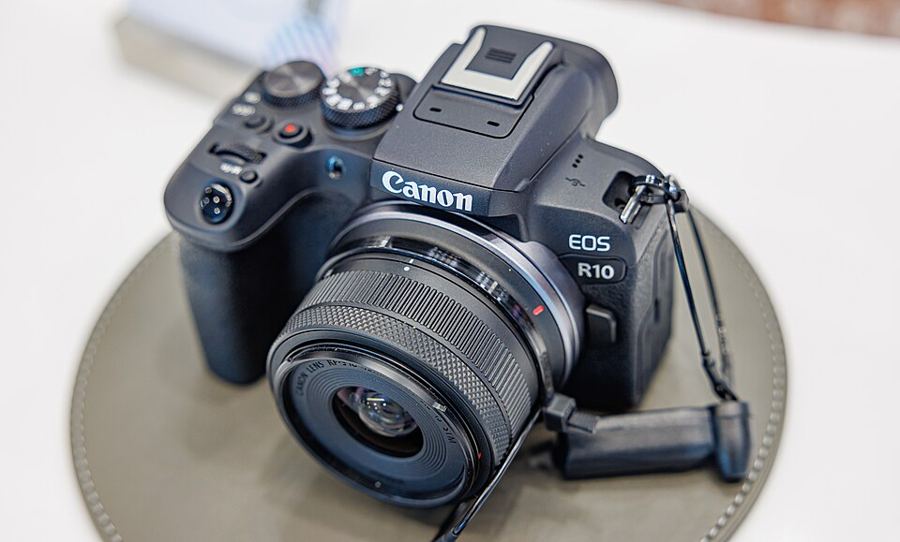
Canon splits the job: Customize buttons for the buttons, Customize dials beside it for the dials and the lens control ring. The same button can carry a different function for stills and for movies — build both sets. Multi-controller: Direct AF point selection, with Start/stop tracking on its press. Quick control dial: Select AF area. AE lock button: Eye Detection AF.
The stick, upgraded
Direct AF point selection is the multi-controller’s factory assignment — nudge to move the point. In Detail set., set Direct sel. on press to Start/stop tracking: with Whole area AF, Subject tracking on, People named and Eye detection enabled, one press puts the tracking frame on the person you choose out of several detected people.
The dial takes the area
Select AF area on the Quick control dial switches areas under your thumb, eye still to the viewfinder. It has to live there: there is no Direct AF area selection function on this body at all — no button can be given that job. The M-Fn button’s built-in flow also walks you into AF area selection.
AE lock — Eye Detection AF
Eye Detection AF jumps focus straight to the subject’s eye. On this body it can only live on AF-ON, the AE lock button, the depth-of-field preview button, or a lens button — the AE lock button is its natural home. Know the other absence: there is no Direct select of subject to detect function here; picking a person is the multi-controller’s press, not a button function.
The map lives in C1
A C1 registration captures shooting, menu and Custom Function settings — the button map included. Register the finished map to C1, and the mode dial restores your settings and your buttons together.
Set the multi-controller’s press to Start/stop tracking in Detail set., then practice picking one person out of a group before adding the rest of the map.