The One Slider Move That Makes a Sunset Glow in Lightroom
Why do sunset edits so often go wrong?
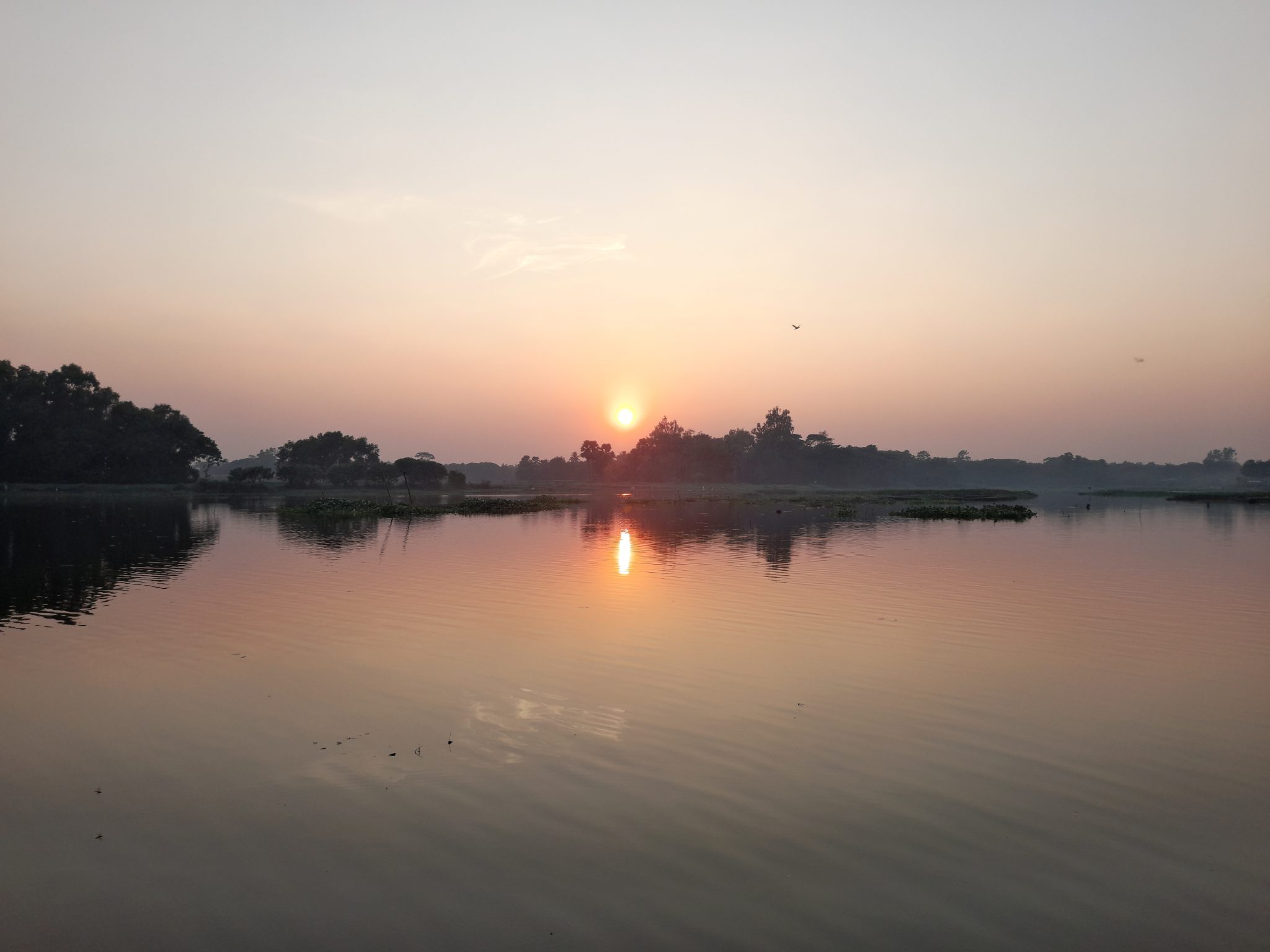
Sunset photos come out of the camera with crushed shadows and a sky that reads cooler than the moment felt. Christian Möhrle goes against instinct: he opens a dark scene with a water reflection until almost nothing reads as black, then rebuilds with intention. He switches the profile from Adobe Color to Adobe Standard, lifts shadows and blacks substantially, and pulls exposure down to protect the brightest sky. No clipping at either end of the histogram, then highlights and contrast back for punch.
How does the glow actually get built?
This is the move worth copying. Lightroom's sky mask is imprecise in a way Möhrle turns into an advantage: its habit of bleeding into the foreground is exactly what he wants, so he feathers it until the selection spills into the landscape. Then he raises the blacks instead of the exposure, brightening the darker areas near the sun without blowing it out. A temperature bump around 40, plus lower clarity and dehaze, finishes the bloom.
The physics mirrors a diffusion filter, which scatters light from bright areas into nearby shadows. Raising blacks inside a feathered mask copies that in software, and the software version is reversible: a filter commits you at capture, while the mask lets you decide on the glow later.
What keeps the file from falling apart?
Texture goes up to keep fine detail while clarity and dehaze go down to soften the mood, because texture handles small detail and clarity handles midtone contrast. Lightroom's Denoise defaults to 50, far too strong; Möhrle drops it to 15, cleaning darker areas without strange patterns. Color stays restrained: warm orange in highlights and midtones, more saturation in the highlights, none in the shadows.
Why it matters for you
Once you understand bloom as lifted shadows around a light source, the trick generalizes beyond sunsets. Try a radial gradient on a streetlight at dusk, a window in a dark interior, or a backlit portrait subject, and raise the blacks inside it instead of the exposure. Five minutes in the Develop module, looking like expensive glass, and a broader lesson: decide where you want the eye to rest, then lift the dark areas around that spot and let the light bloom.