Photoshop Can Now Move the Light in Your Photo
How does Relight work?
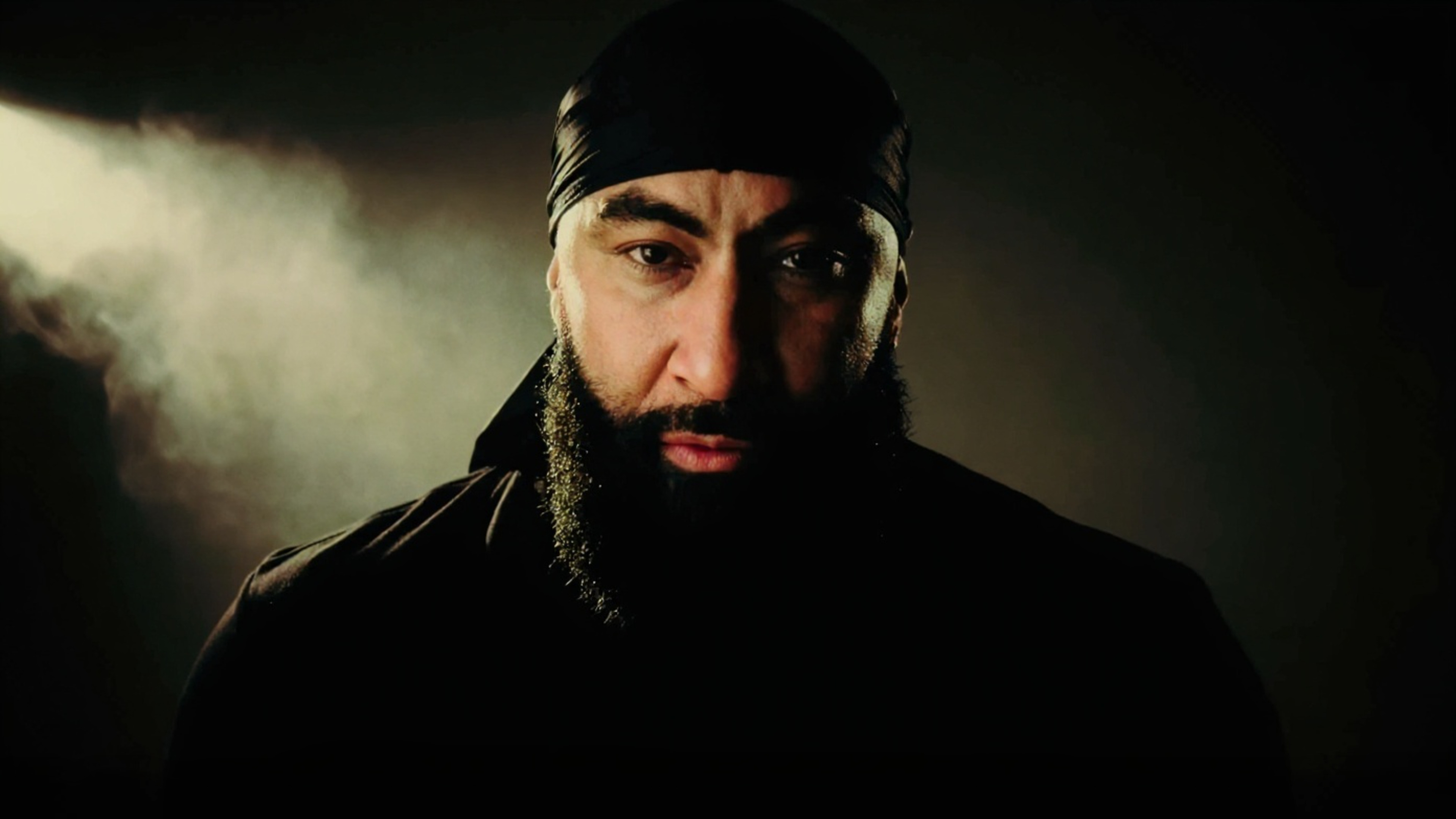
Create a Relight layer from the Layers panel flyout menu or the Layer menu, and Photoshop hides your original while building a new layer from its contents. Dragging the Original lighting slider to 0 percent strips out the existing light, so only the virtual light shapes the scene. Intensity sets brightness, Diffusion sets source size, and dragging the light icon moves highlights and shadows in a way that genuinely looks like relighting. The Close and Far slider can push the light behind the subject for a backlit rim, and the 5,500 K default sits right around daylight and flash output.
What does it cost you?
Previews are free and deliberately low resolution. Clicking Done renders the final version at document size for 30 generative credits, and editing the lights and clicking Done again costs another 30. Pressing Escape and discarding is free. One caution: the final render can differ from the preview, so judge only after it renders and settle your choices before you commit.
Where does it shine, and where does it stumble?
Relight does its best with a clearly defined subject: a person, or an interior. It even treats a visible window as part of the scene it recreates, dimming what the window lights without switching off a source it can see. But on a landscape, removing the original light looks like aiming a flashlight at the scene. Composites get trickier: Relight only acts on the active layer, so on a layered image the effect can land on a single element. And at 100 percent, fine hair and texture in the Relight layer look softer than the original; Adobe's own wording points to the image being generated smaller, then upscaled.
Why it matters for you
Use the free preview in reverse, as a lighting sketchbook: test a rim light or a gel on a similar image before you rent gear or book a studio. And notice what the feature rewards: photographers who already think in source size, distance, and color temperature will reach good results in fewer renders, meaning fewer credits spent. The tool is in beta, so watch it, but keep building the lighting knowledge it is built on.